




61 / 75 / 15
Live scores for “budget”
Popularity, difficulty and opportunity from a dated check · Updated Nov 3, 2026.
 ASOClimb
ASO tool for App Store & Google Play
Find keyword gaps and autocomplete ideas, follow observed ranks, inspect listings with revenue and download estimates, watch competitors, write better metadata and run the same workspace from Claude or Grok.
Start free. No credit card needed.



10 free checks a day, no sign-up
Dated store evidence and public product pages — explore what’s published on asoclimb.com.
Popularity, difficulty and opportunity from a dated check · Updated Nov 3, 2026.
Downloads 99.85K–709.94K · Updated Nov 3, 2026.
Programmatic store evidence pages · Updated Nov 3, 2026.
Replace scattered ASO tabs with one workspace that stays honest about what the stores actually show.
Paying for separate keyword, rank and estimate tools that never share a workspace.
Switching between App Store Connect, Play Console and spreadsheets to answer one question.
Guessing what rivals changed in title, screenshots or price until it is too late.
One workspace from the first keyword check through listing updates — without an SDK.
Compare opportunities, gaps and autocomplete, then follow observed positions by store and country.
Inspect metadata next to dated download and revenue ranges so chart moves have context.
Competitor alerts, AI listing drafts and Wow Keywords stay in the same workspace.
Large product views for each core capability — the same surfaces you open after sign-up.
Compare popularity, difficulty and opportunity, find gaps and autocomplete ideas, then follow observed ranks by store and country.
Check a keyword free →
Inspect a listing next to dated download and revenue ranges, so chart moves have a method you can open.
How we estimate →
Watch the apps next to yours and get notified when title, subtitle, icon, screenshots or price change.
Start free →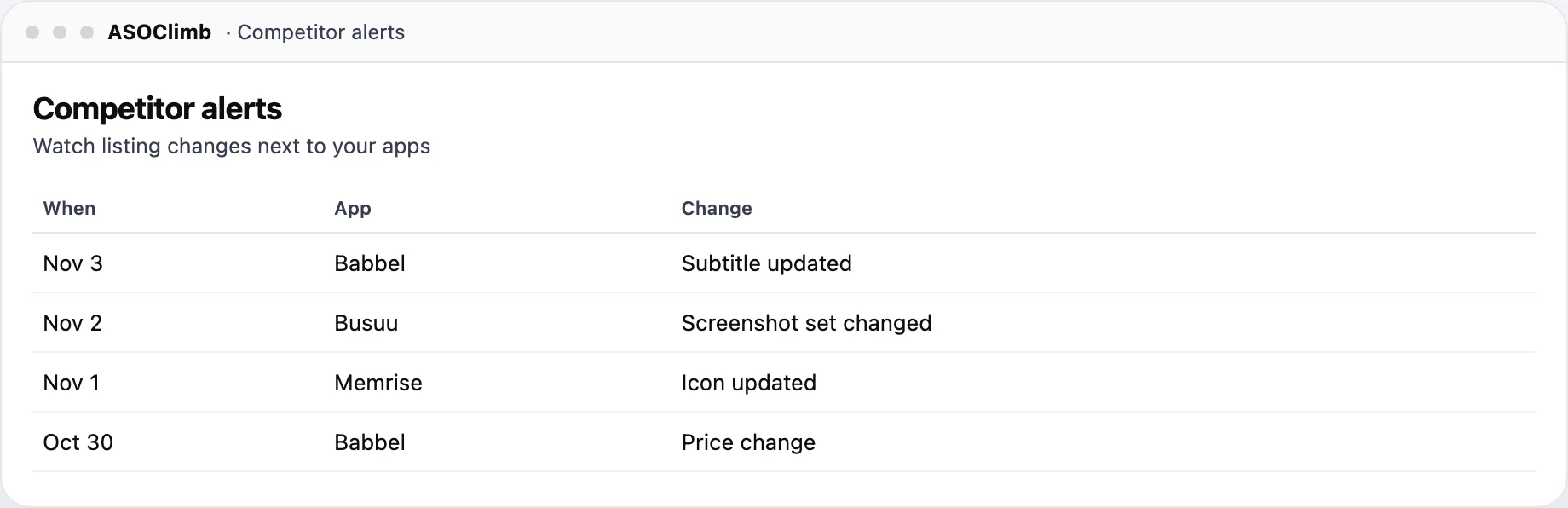
Draft titles, subtitles and descriptions from the keywords you track, then edit them before anything reaches the store.
Start free →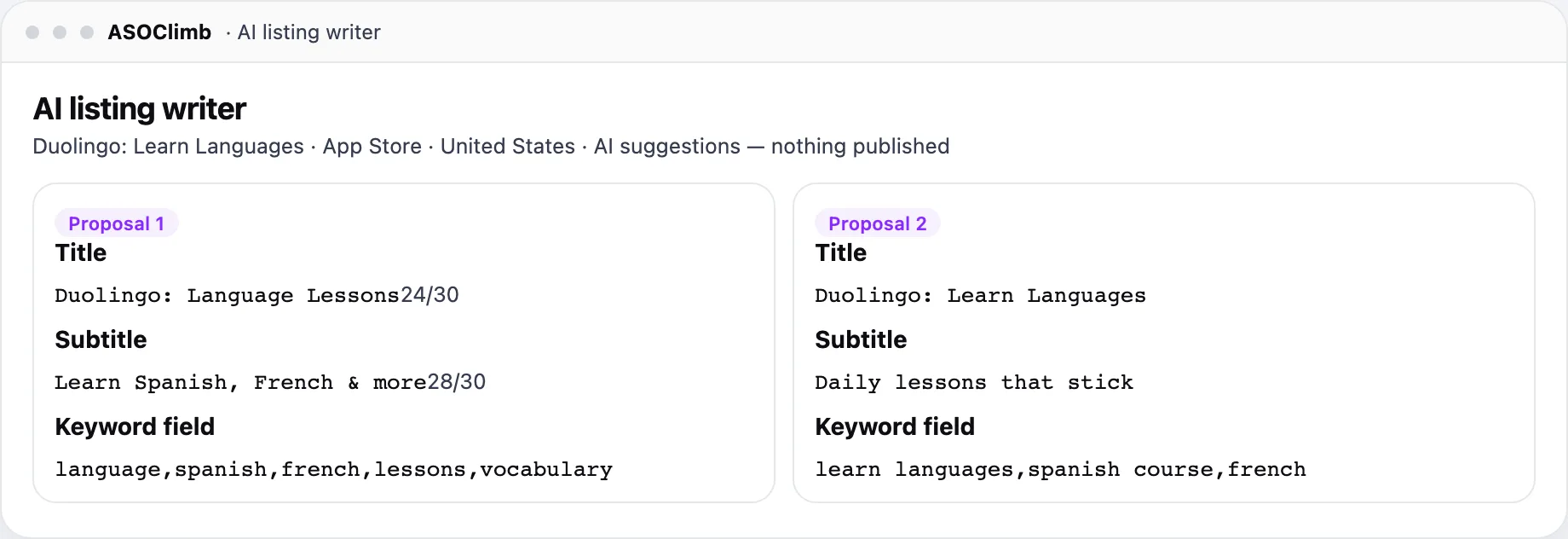
Turn an app link into researched keyword candidates and listing variants for each country you choose.
See the workflow →
Read review themes, top charts, niche context and new releases so market moves stay next to your own research.
Explore free tools →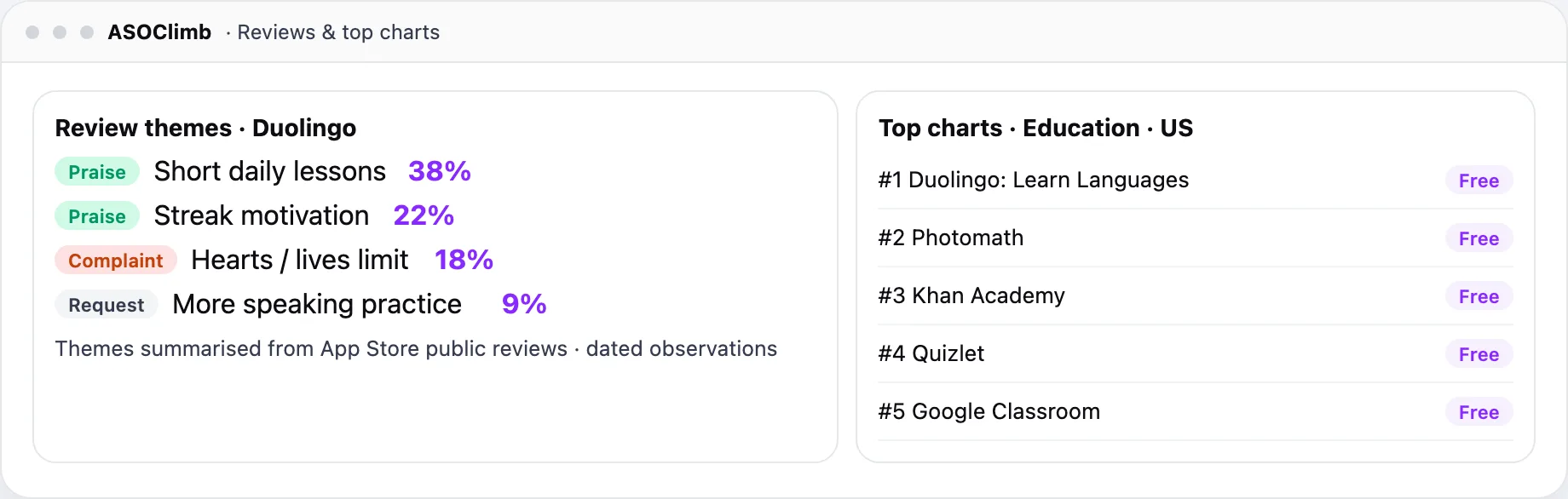
Bring keywords, competitors and tracked ranks into Claude or Grok. ChatGPT, Codex and Cursor are coming soon.
Read the setup guides →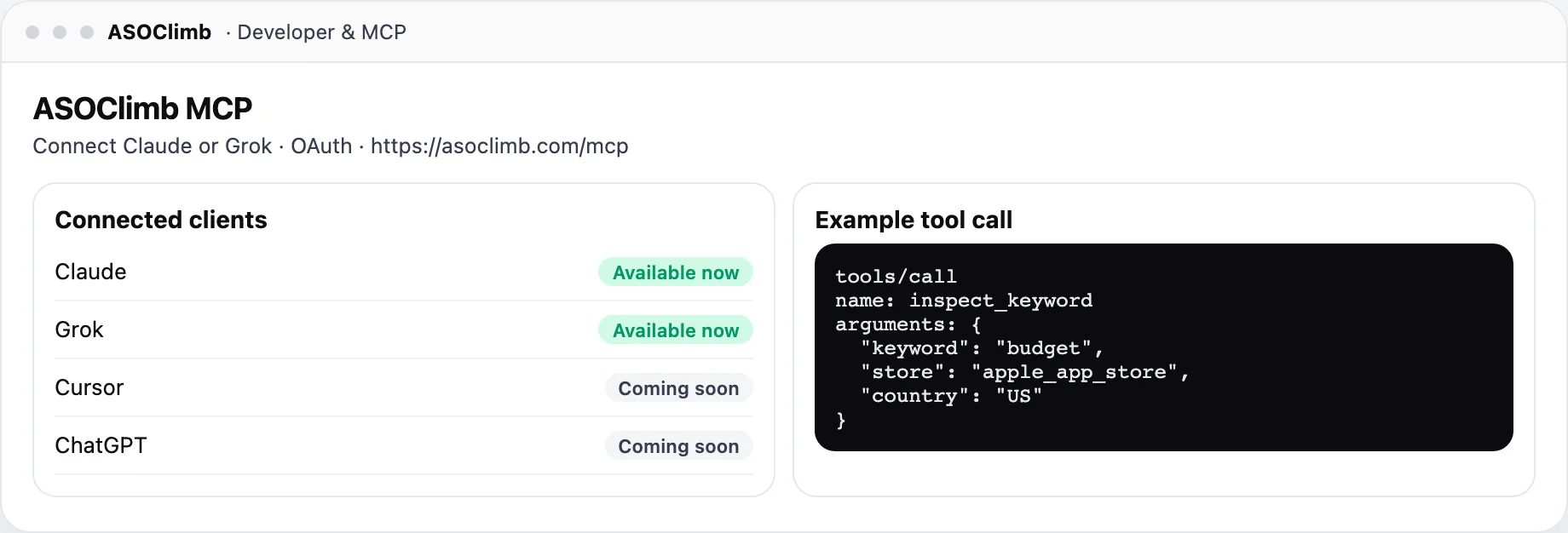
Smaller tools for the checks you run every week.
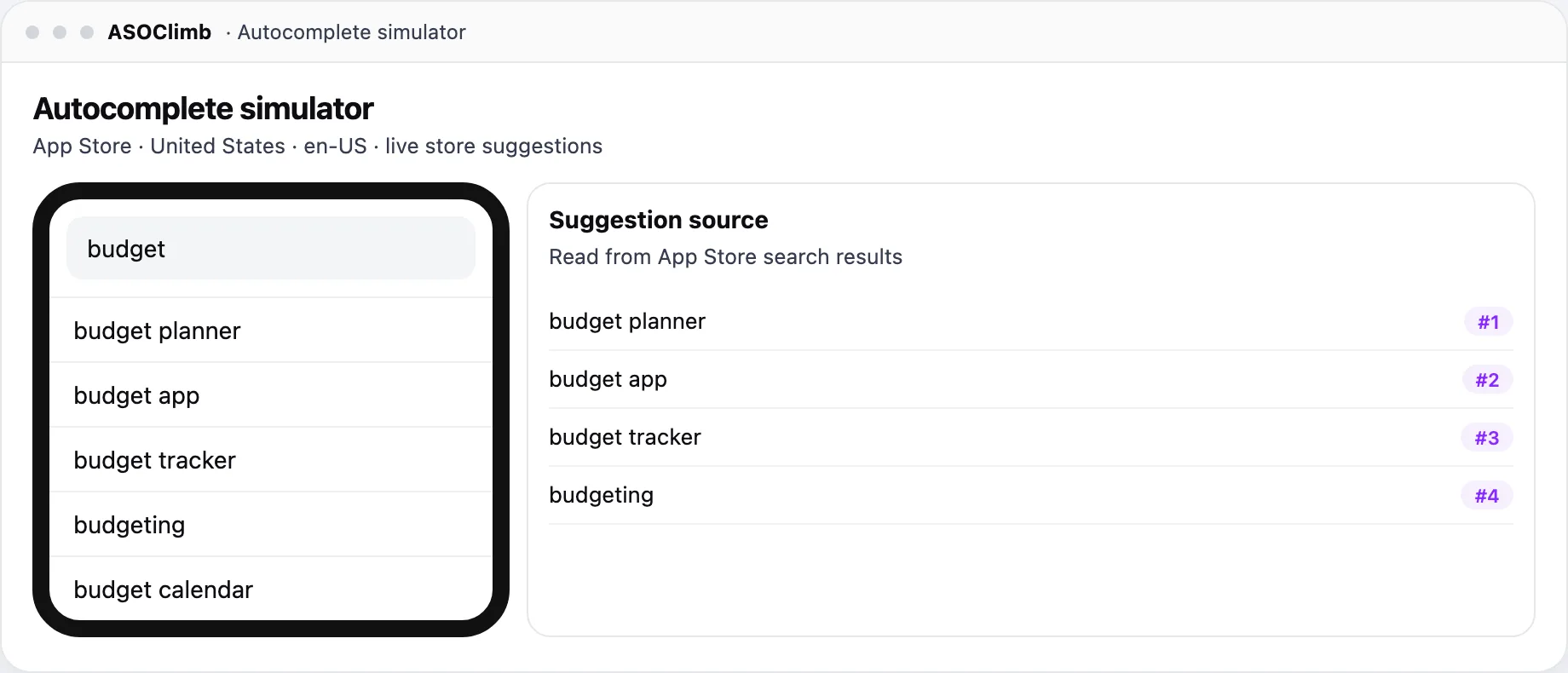
Type a prefix and see the live store suggestions for that market.
Open in a workspace →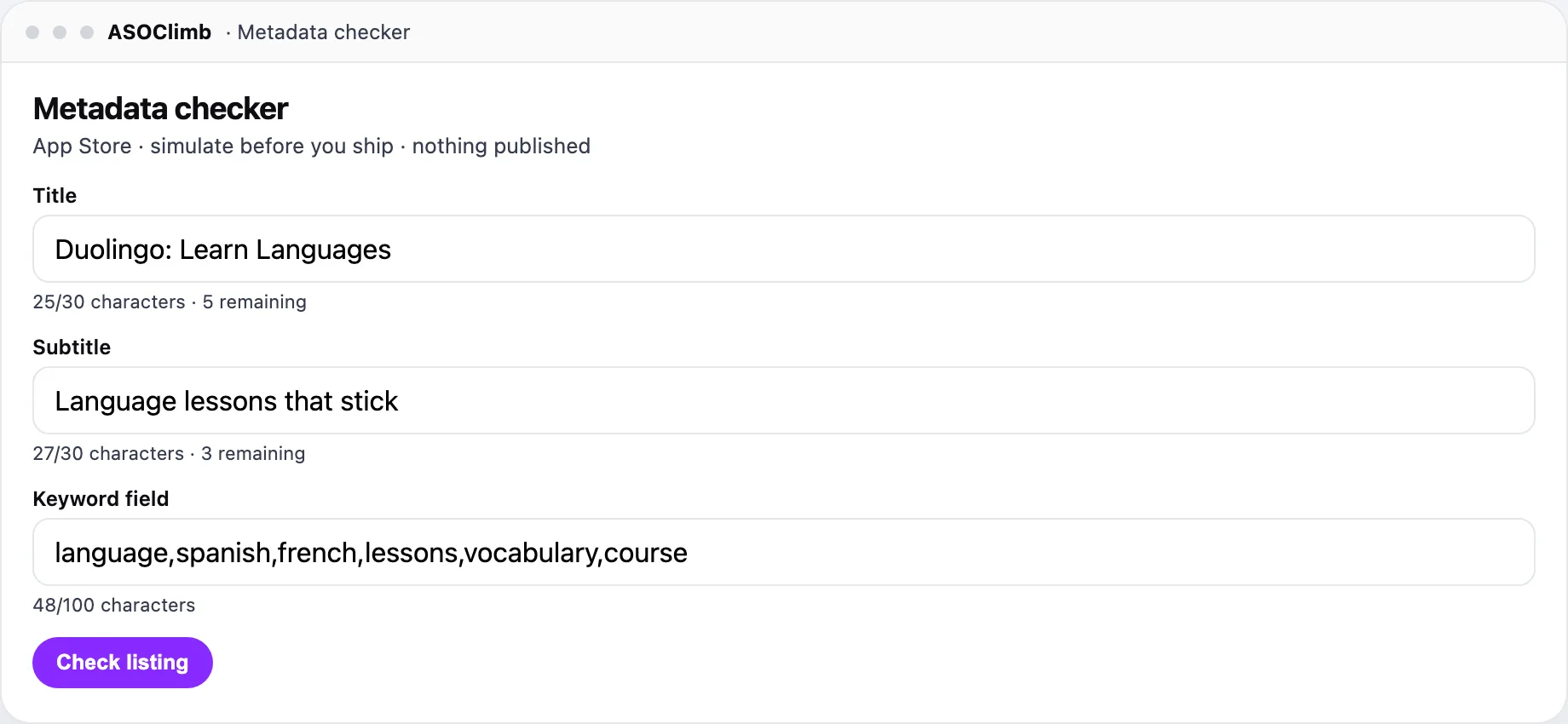
Simulate title, subtitle and keyword-field changes before anything reaches the store.
Open in a workspace →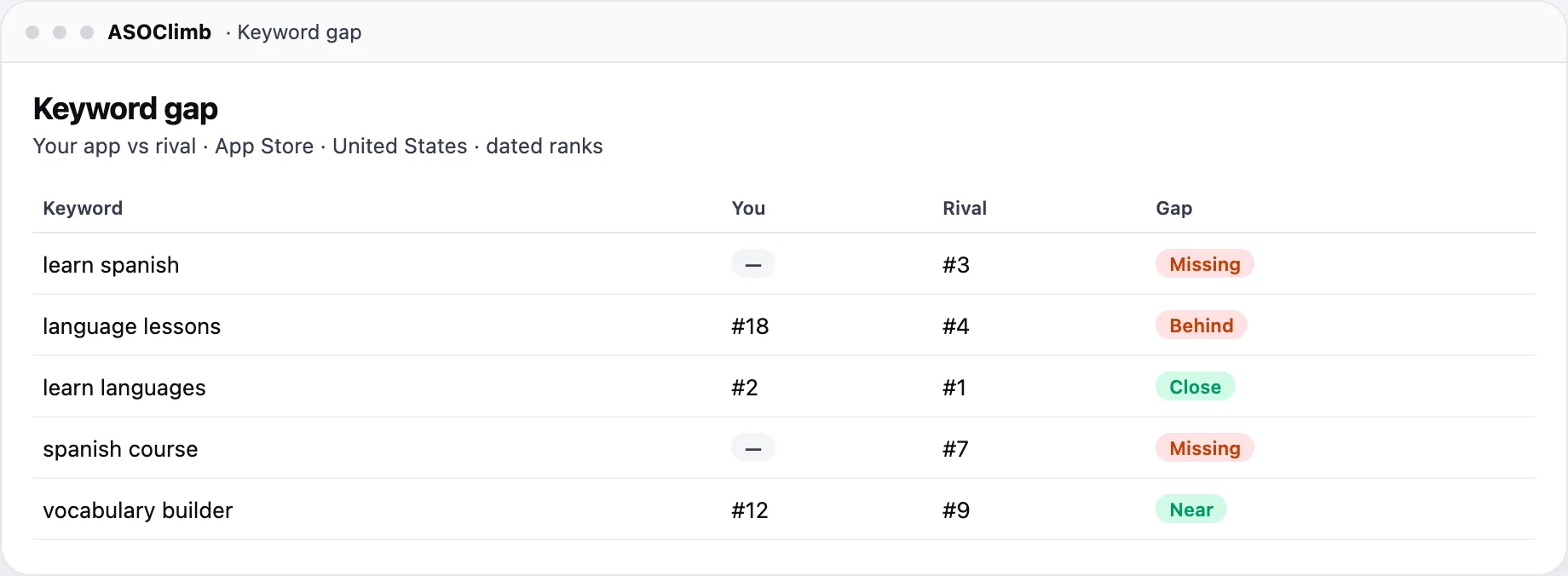
Compare the terms a rival ranks for against the ones you already track.
Open in a workspace →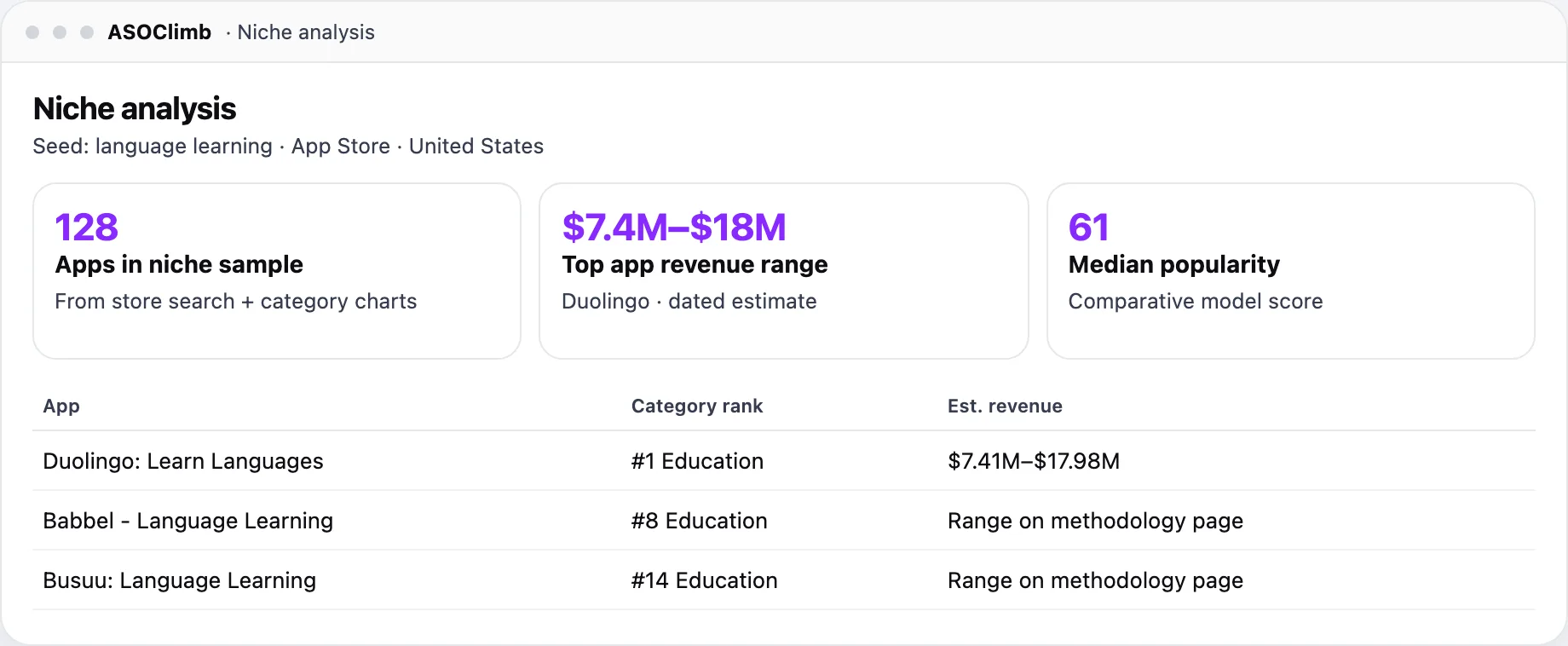
Size a category with dated store evidence instead of a rough guess.
Open in a workspace →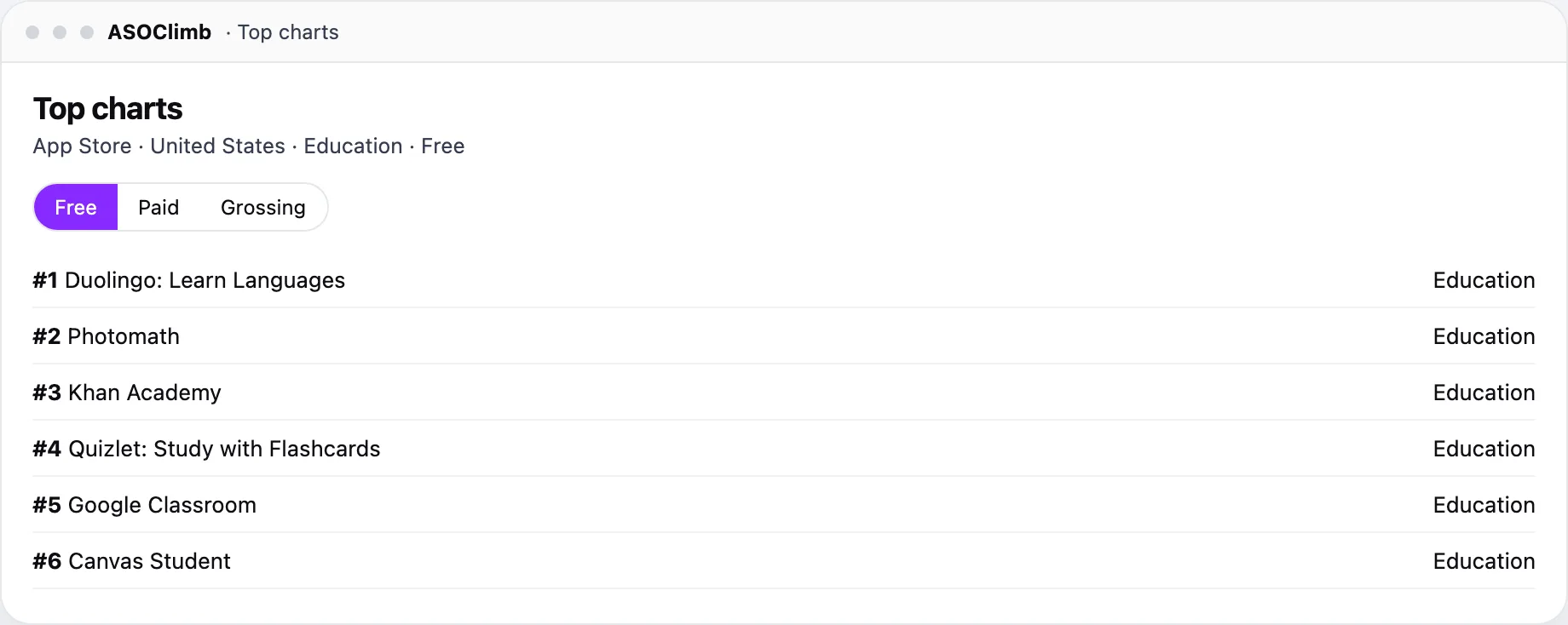
Browse free and paid charts by store and country next to your research.
Open in a workspace →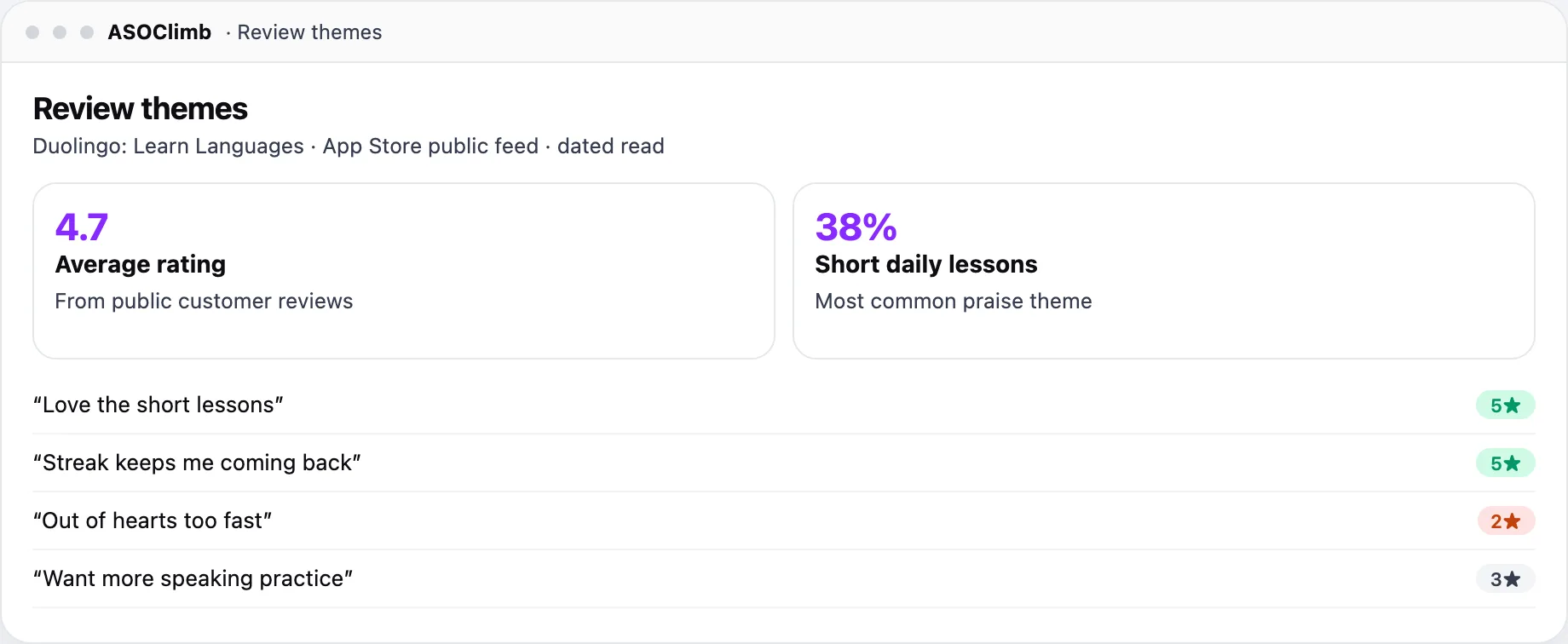
Read what users say about an app while you plan the next listing update.
Open in a workspace →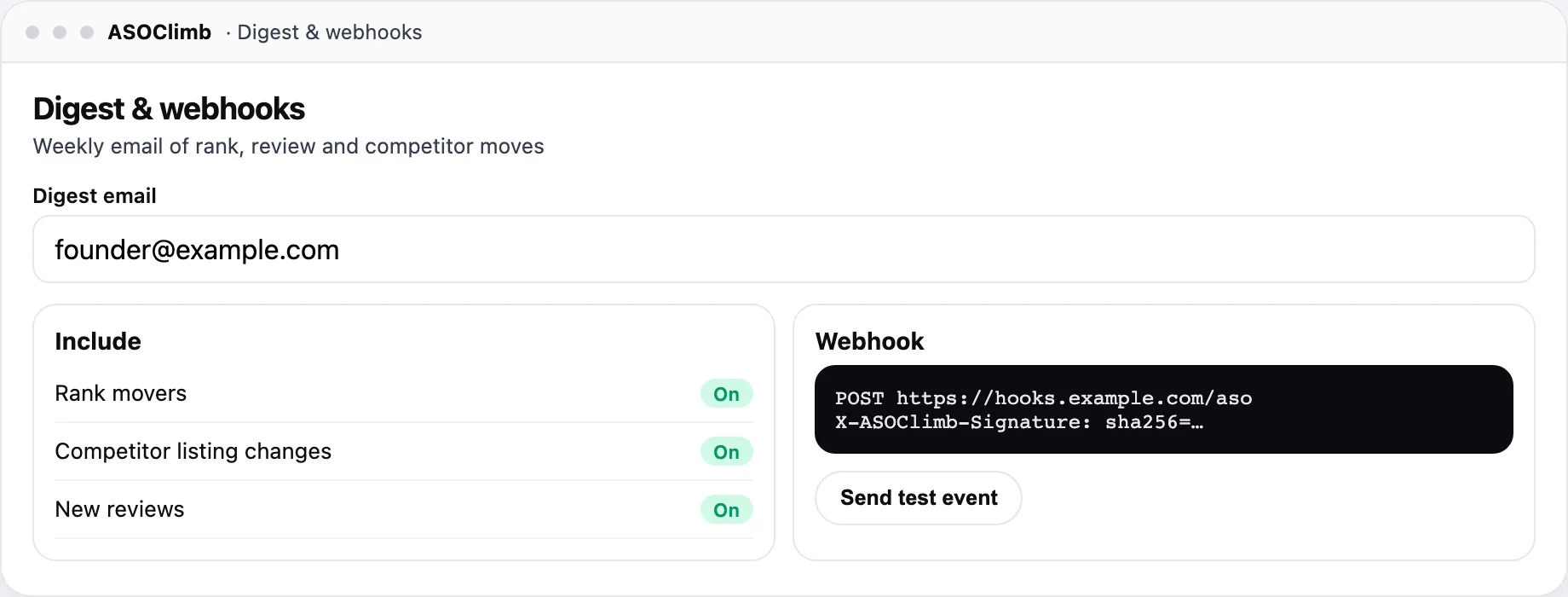
A weekly email of rank, review and competitor moves, plus a signed webhook feed.
Open in a workspace →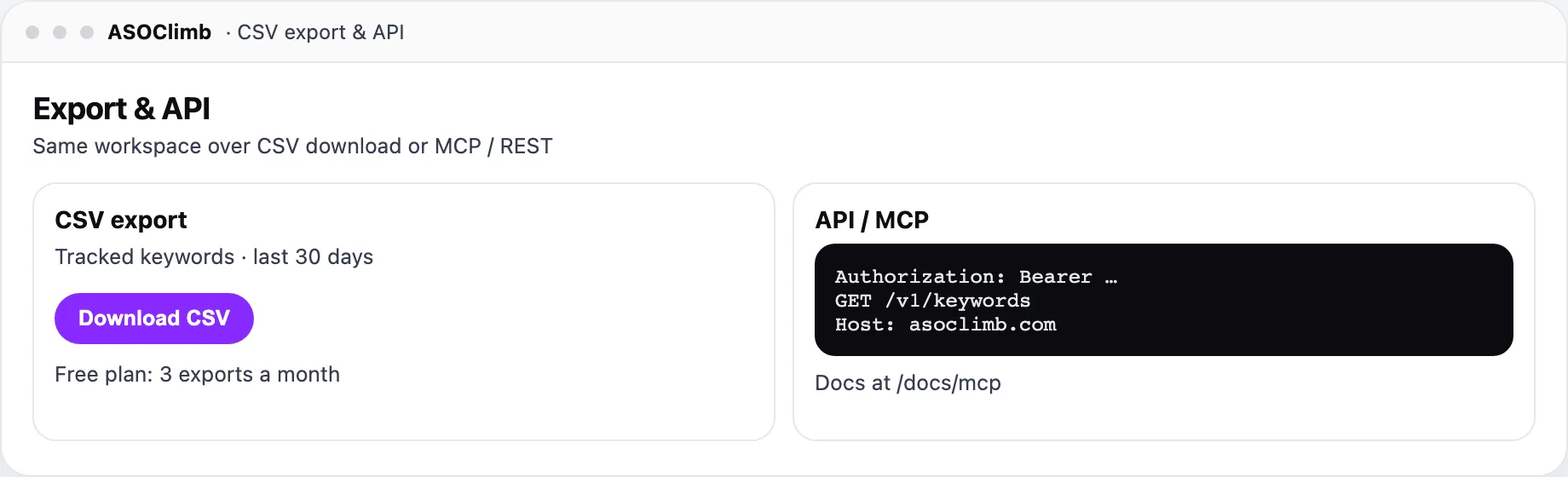
Export research as CSV, or call the same workspace over the API and MCP.
Read the MCP docs →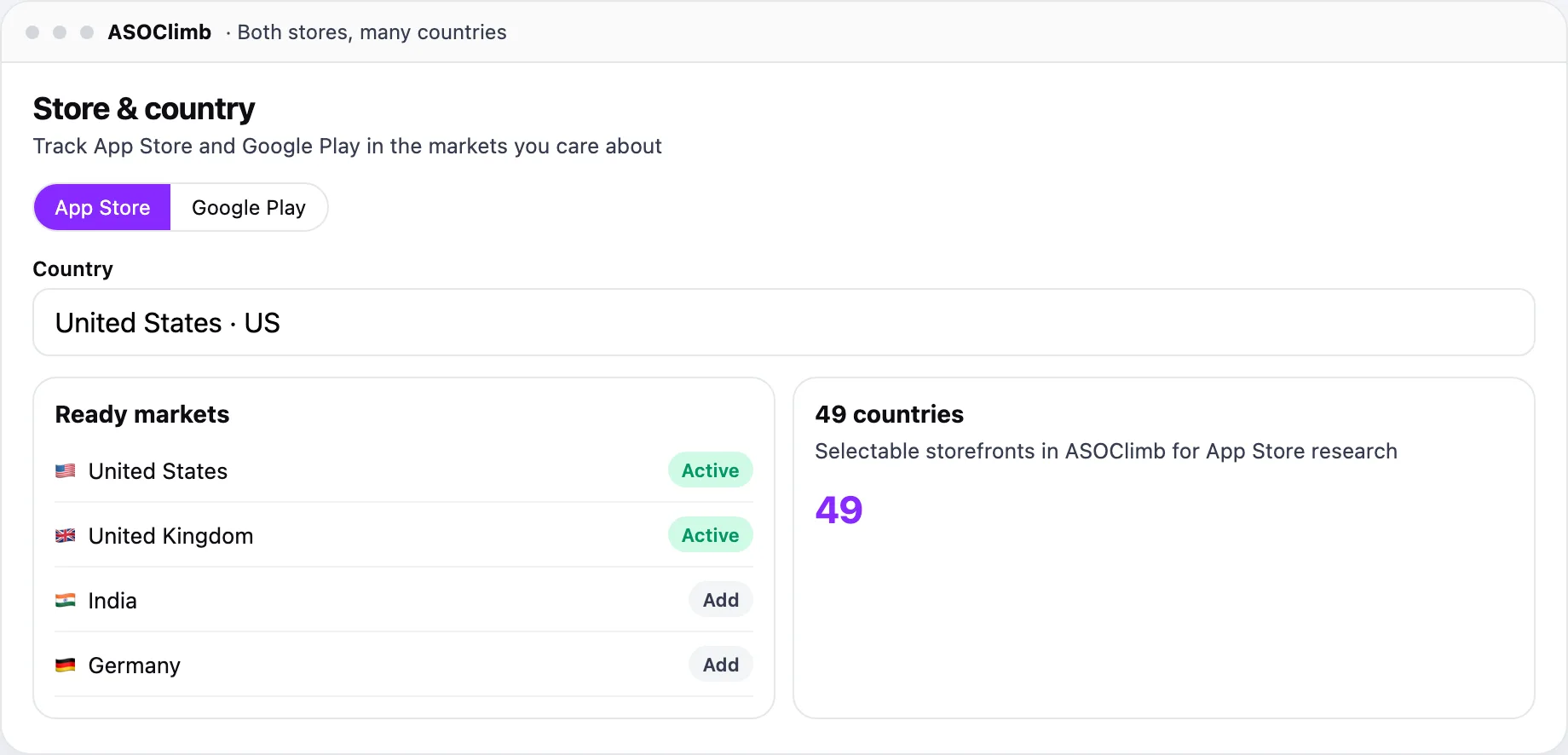
Track App Store and Google Play listings in the markets you care about.
Start free →Your keywords, competitors and tracked ranks, one conversation away. Connect ASOClimb with MCP and choose which workspace your assistant can access.
Practical posts from the ASOClimb journal, based on dated store guidance.
Find terms rivals rank for that you miss, then prioritize the gap.
Read →Apple’s rules for the 100-character field, without wasting words.
Read →What autocomplete can and cannot tell you for a keyword shortlist.
Read →Why translation misses, and how to find local search terms.
Read →Cancel anytime. Updated Nov 3, 2026.
$0no card needed
$10/month · or $100/year
No. They are clearly labelled models, and the product says so wherever they appear. They are built for comparing one keyword against another, not for quoting as store-reported search volume or install counts.
No. Keyword tracking, competitor research, charts and rank history all work from the moment you add a listing. Nothing has to be added to your app and no release is needed.
Yes. Add App Store and Google Play listings separately, and choose the storefront and country for each one.
You are told. A position that was not observed is shown as pending or unavailable, never as zero and never as "not ranking" — those are different answers and the product keeps them apart.
From public store signals, run through a model whose inputs, exclusions and known weak spots are published. Every estimate is a range with a confidence level, never a single figure presented as fact. Read the revenue estimate methodology.
Research keywords, track ranks, and act from one workspace — starting with 10 free checks a day.
Get Started for Free →